About Crate Brackets
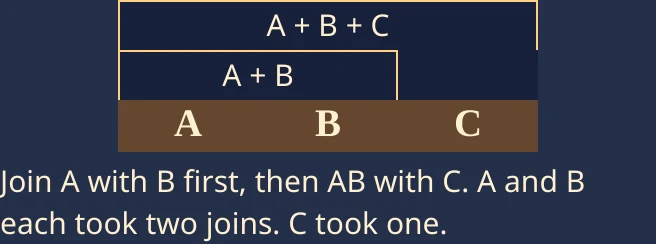
Join neighboring crates into bundles, then join the bundles into one package. Every join adds one to the count of each crate inside it.
Inspection tags tell you the final counts for a few crates. Use them to find the one packing hierarchy for each sheet, from three-crate samples to seven-crate dispatches.
How to play
- Goal
- Join neighboring bundles into one package and match each marked crate's join count.
- How it ends
- Check a complete package to clear the board. You can undo joins and try again as often as you need.
- Record
- Your first uninterrupted clear time is recorded for each board.
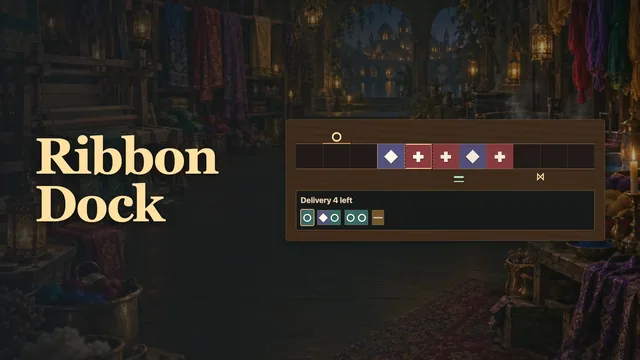
- Tap a plus to join the two bundles on either side of it. The crates stay in order.
- Every crate in the resulting bundle gains one join. The tag shows current joins followed by the target.
- A dash means any count. A target of one means that crate stays by itself until the last join.
- Use Undo to try a different grouping. Check the single complete package when every printed tag matches.
Controls
| Input | Action |
|---|---|
| Mouse or touch | Tap a plus between two bundles to join them. |
| Keyboard | Tab or use the arrow keys to choose a join. Enter or Space confirms, U undoes, and Escape closes a dialog. |
| Gamepad | Move focus with the D-pad, confirm with A, go back with B, and pause with Start. |
Tips
- Save some for last A crate tagged 1 must join by itself at the end. A large target has to start joining early.