About Ribbon Dock
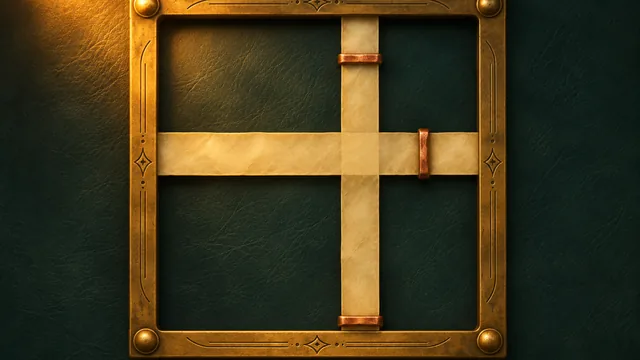
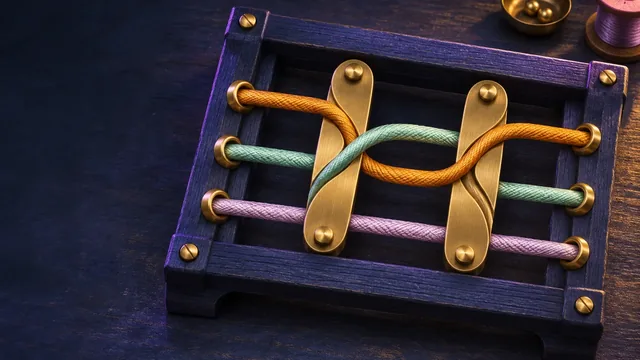
Repair patterned ribbons at a waterfront textile depot. The center strip is pinned down. Attach the next strip to either end in delivery order, keeping its printed orientation.
The first tickets use pattern windows. Later ones also mark where two strips must meet or where a single strip must span a gap.
How to play
- Goal
- Attach every delivered strip so the ribbon matches the ticket.
- How it ends
- Fill the rail and match every mark, then choose Check. Undo lets you try a different end.
- Record
- Your first clear time for each ticket.
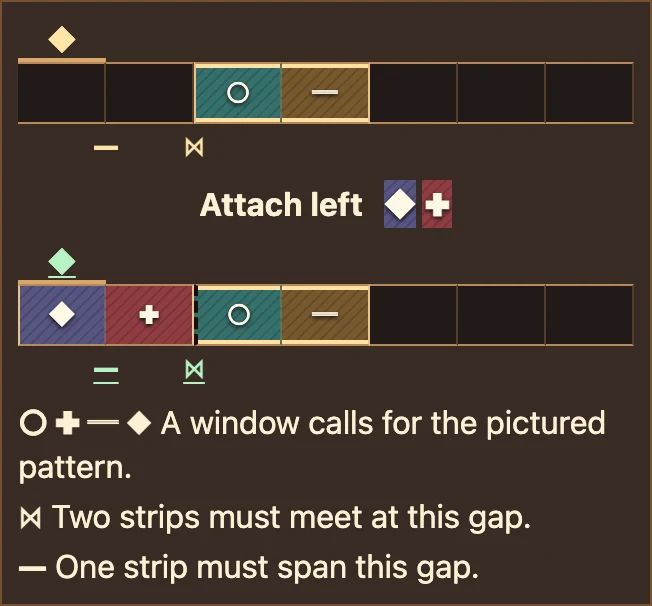
- Read the first strip in Delivery and choose Attach left or Attach right.
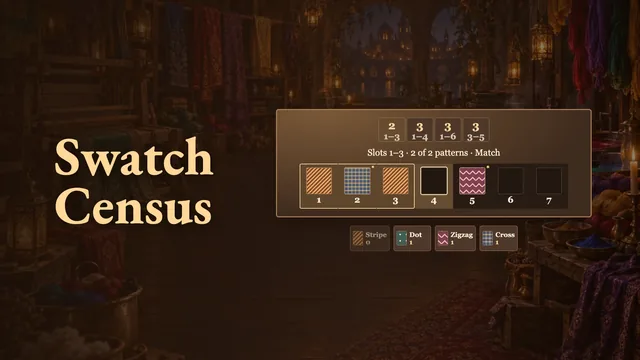
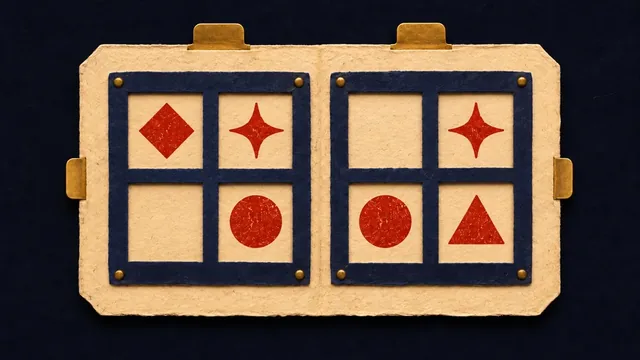
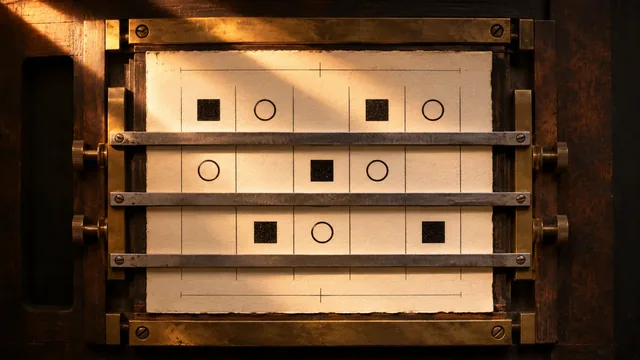
- A pattern window above the rail calls for that symbol in the cell beneath it.
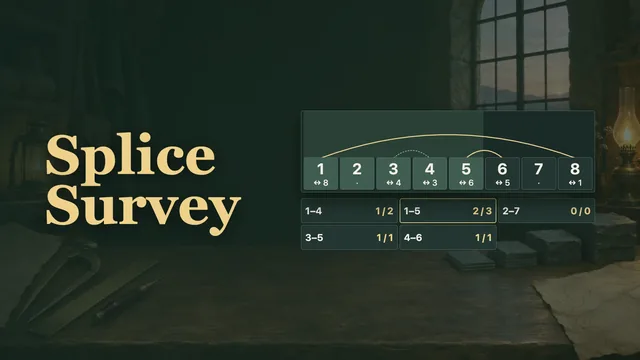
- A bow-tie at a gap calls for two strips to meet there. A dash marks a gap one strip must span.
- Fill the rail and choose Check. If a mark differs, Undo detaches the latest strip.
Controls
| Input | Action |
|---|---|
| Mouse or touch | Tap an end to attach the next strip. Tap a mark in the inspector to highlight its position. |
| Keyboard | Use Tab or the arrow keys to move focus, then press Enter or Space. Left and Right attach when the bench has focus. |
| Gamepad | Move focus with the D-pad or stick, activate with A, and go back with B. Start opens Settings. |
Tips
- Plan space before you attach Scan the visible delivery for a strip that could cover a distant window and keep enough room on that side.
- Read the gaps A strip can match the patterns in two neighboring cells and still break a required join.