About Seam Typesetter
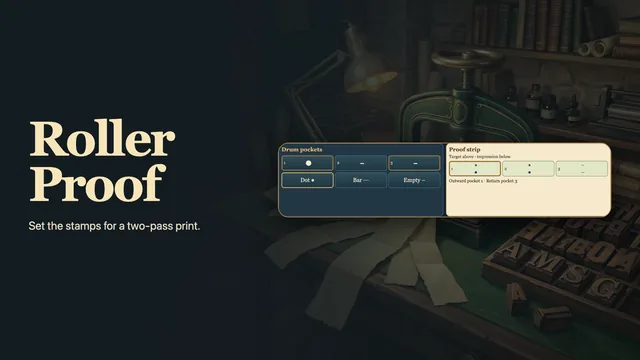
Each letterpress order arrives as strips of circles, triangles and other marks. You can overlap neighboring strips where their marks match. The overlap prints once.
Find a fit that gives the print the right length and symbol counts. Later orders ask you to balance up to five seams using only the marks counted on the slip.
How to play
- Goal
- Join the patterned strips so the print matches its marked length and symbol counts.
- How it ends
- Finish by checking every seam and every marked total, with unlimited revisions.
- Record
- Your first clear time is saved for each order.
- Select a seam between two strips. Choose how many marks the end of the first strip shares with the start of the next. The marks in the overlap must match in order.
- A mark on a middle strip can belong to only one seam. Use the print preview to see the result of your choices.
- Compare the current print length and each displayed symbol count with the targets. Set every seam and choose Check print. Use Undo or select a different overlap to revise your choices.

Controls
| Input | Action |
|---|---|
| Mouse or touch | Select a seam, then select an overlap. |
| Keyboard | Press Tab to move focus, then Enter or Space to select. |
| Gamepad | Use the D-pad to move focus, A to select and B to close a dialog. |
Tips
- Count the shared marks Changing two seams by the same amount can remove different marks. Compare the symbol counts after matching the print length.