About Dispatch Window
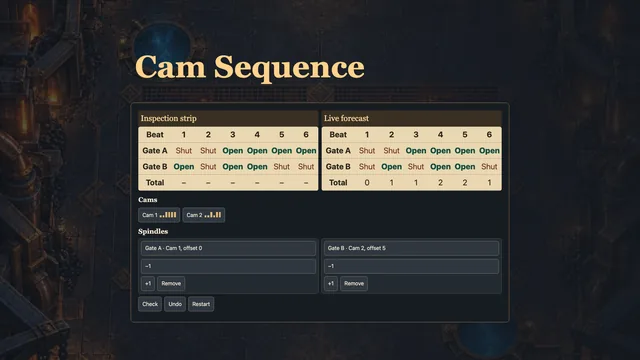
The depot knows how many parcels were in transit at each slot, but the courier windows are missing. Each manifest gives you several pickup and delivery pairs. Choose one for each courier.
Later schedules add handoff stamps. A courier can deliver while another picks up, leaving the total unchanged. Use both logs to restore twelve schedules.
How to play
- Goal
- Choose a pickup and delivery pair for each courier.
- How it ends
- Match every transit count and handoff stamp to clear the schedule.
- Record
- Each schedule keeps a ranked first-clear time.
- Select a courier and choose one of the pickup and delivery pairs printed on its manifest. Your choice adds the parcel to each slot from pickup until delivery.
- Compare Your count with the Depot log for every slot. A parcel no longer counts in the slot when it is delivered.
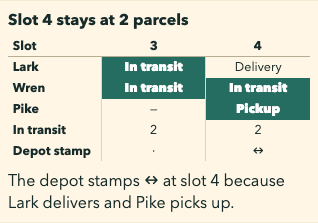
- From schedule 03, compare the handoff rows. A double arrow means at least one courier picks up and at least one delivers in that slot. A dash means no handoff, and a dot means the depot did not report a stamp.
- Use Check schedule after every courier has a window. Use Undo or Remove to change a choice.
Controls
| Input | Action |
|---|---|
| Mouse or touch | Select a courier, then choose a pickup and delivery pair. |
| Keyboard | Use Tab, then Enter or Space to select the focused control. |
| Gamepad | Use the D-pad to move focus, A to select and B to close a dialog. |
Tips
- Compare handoffs Two schedules can have identical counts and different handoff slots. Look for a delivery and pickup at the same slot.