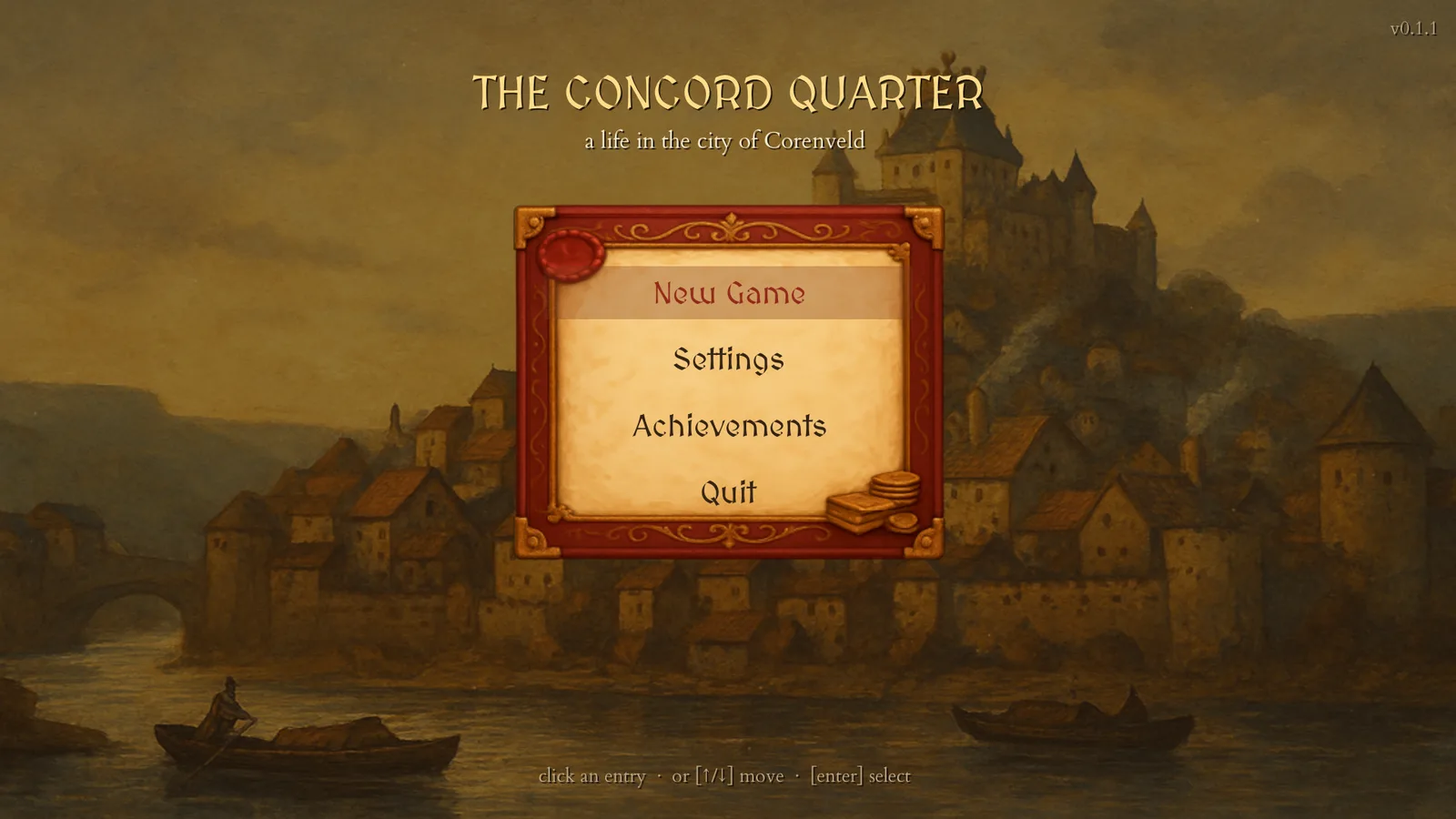
This wiki describes Concord Quarter 0.1.1. The version is printed in the top-right corner of the main menu.
Concord Quarter is a life, not a campaign. You begin at eighteen as a nobody in the city of Corenveld, one day at a time you earn, buy shops, win friends and favour, and you try to take a seat on the city's councils before you die. There is no final level and no score: when the life ends, the Reckoning says what you made of it.
 GameplayThe daily loop, shops, standing, the civic ladders and every key.
 SettingsEvery row on the settings screen, and where saves live.
From launch into a life
Your first days
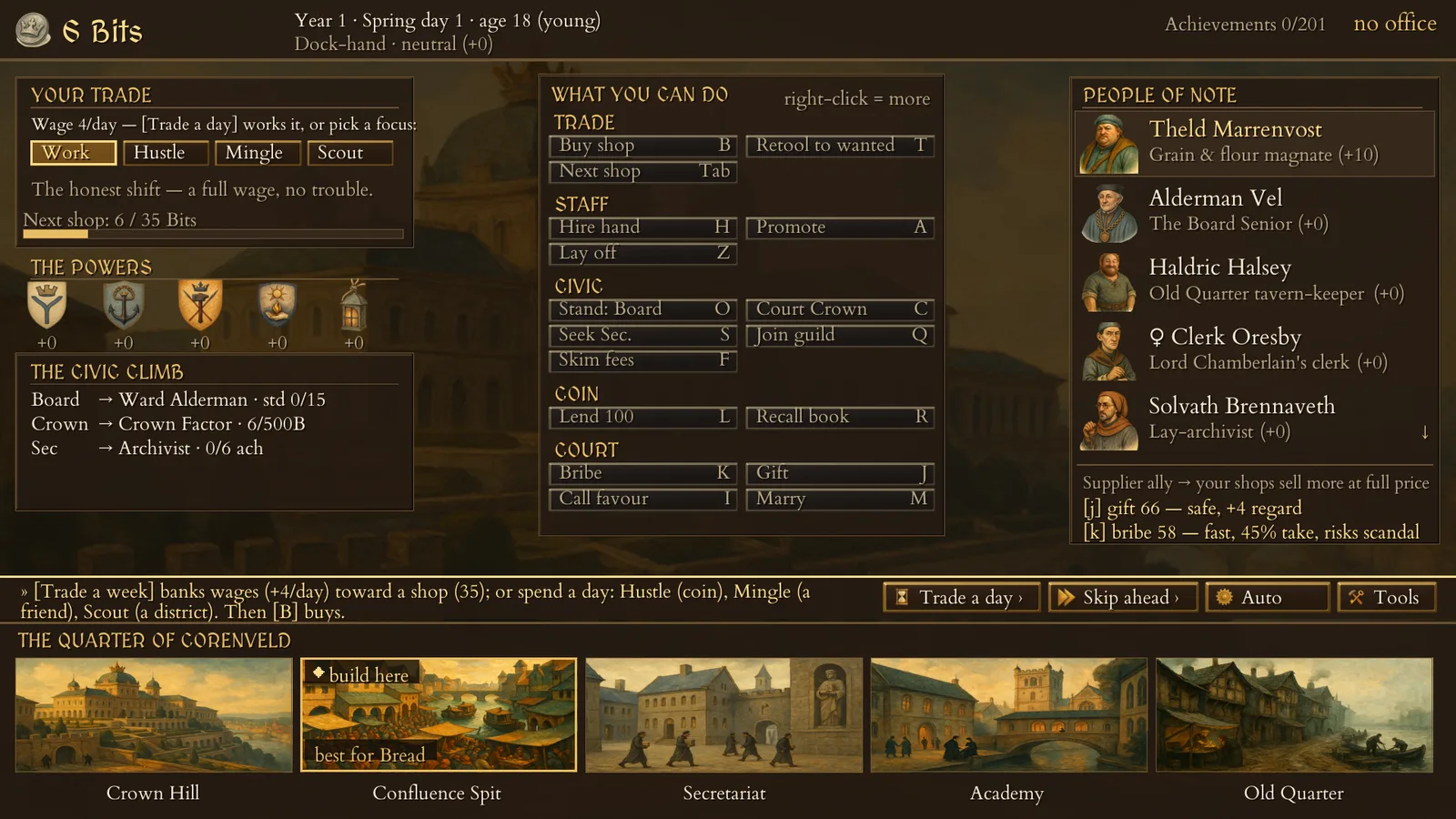
Until you own a shop you work a day-job. Press Trade a day (Enter) and one day passes; your wage lands at dusk. Four chips above the wage change how that day is spent: Work pays the full wage, Hustle pays double but builds heat with the Watch, Mingle pays half and warms the figure you have selected, and Scout pays half and tells you what the selected district most wants to buy.
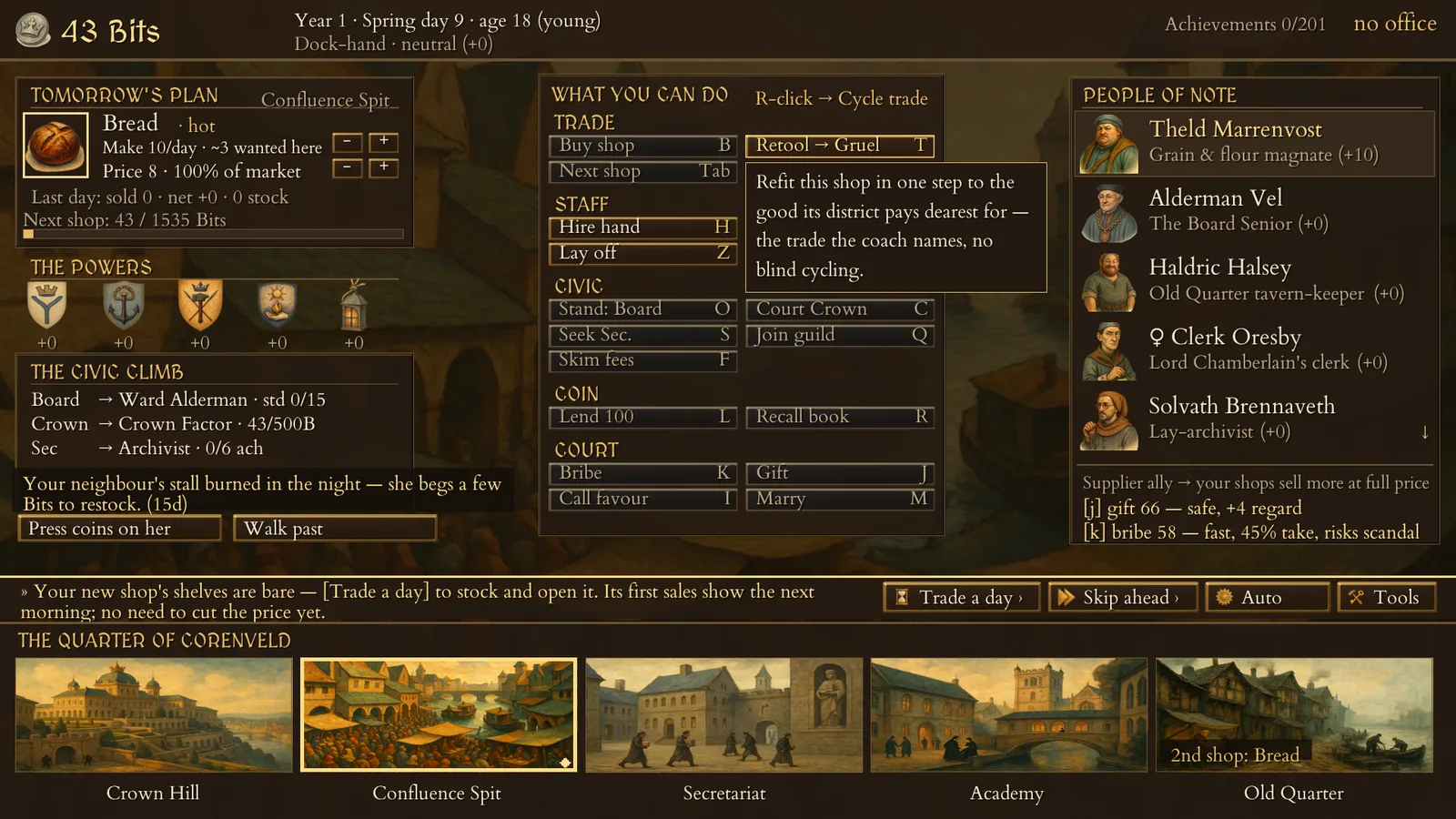
Save up for your first shop. B opens a copy of the shop you have selected, and with no shop yet that is always a Bakery, at 35 Bits. Choose the district with N and buy with B; buying your first shop ends the day-job. T then retools that shop, for 100 Bits, straight to whatever its district pays the most for.
Where the family house is
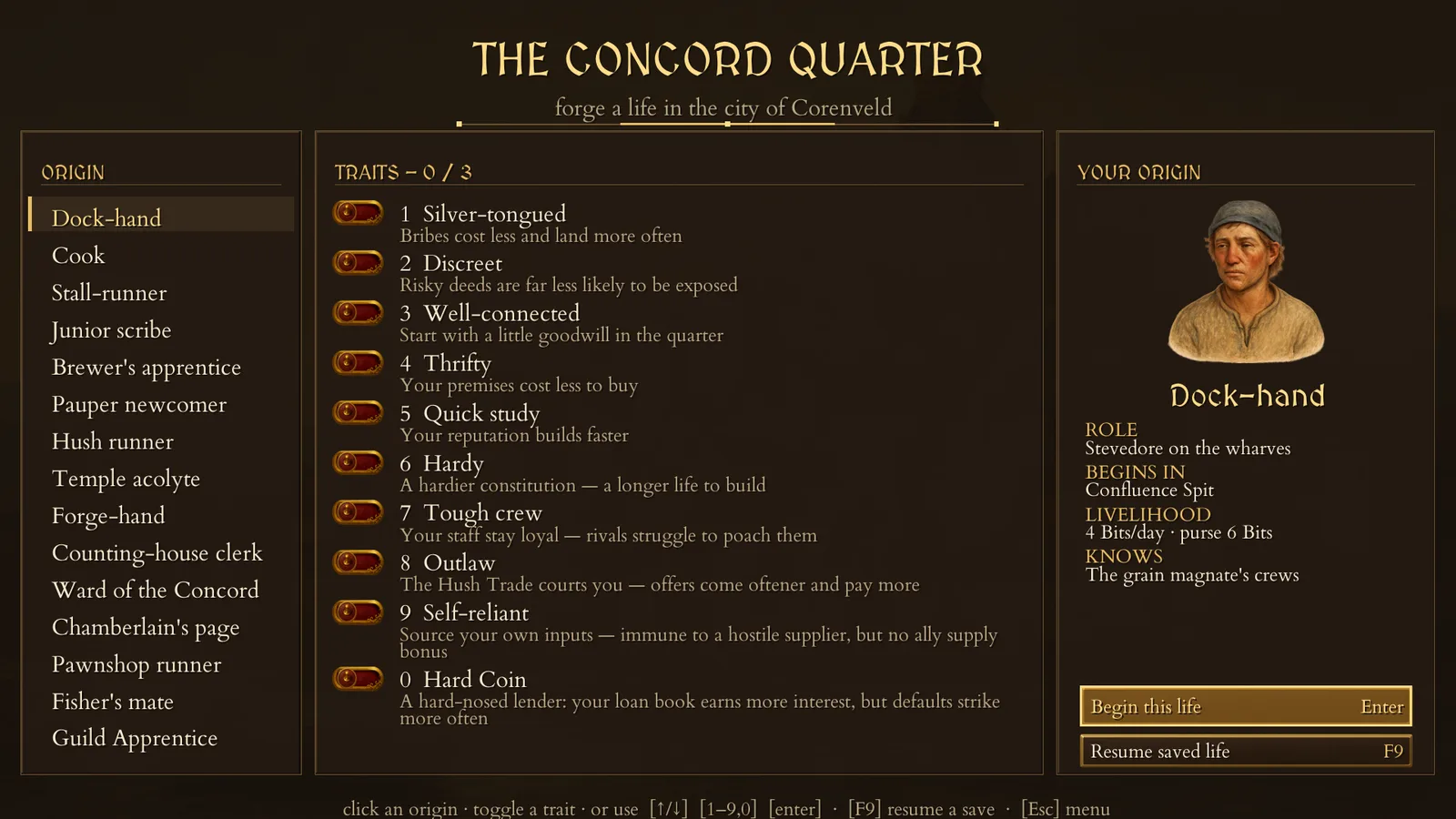
Every background but the Pauper newcomer is the last of a fallen trading house. The first time you open a shop in your background's own district, the house is restored and you are paid up to 40 Bits. The welcome card says only that the house stood "in the city"; the district is the one the New Game screen lists under Begins in, and each background entry names it.
One world, every life
In version 0.1.1 every new game plays the same world. The citizens, the prices, the Iron-Pence rate and the city's calamities follow the same course each life, and only your own choices change it. Two things follow. Every life ends at 62, or at 68 with the Hardy trait, and nothing else, not jail, poverty or a catastrophe, ends it sooner. And every life sees the same two catastrophes: a Quarter Riot in the Old Quarter at age 29 and the Long Dry Summer at age 37. Eleven achievements that need an older life or a different catastrophe therefore cannot be earned in this version; Codex → Achievements marks each one.
Achievements carry over
The game has 201 achievements; 100 of them are also Steam achievements, marked with a blue ring in the in-game list. An achievement earned in any life stays earned. Open the list from the main menu, or with W during play.