Twenty Winters is a village builder played in the browser. You are the mayor of a small valley village in the Westmarches for a term of twenty years. Each season the council offers plans, families and guilds who want to build; you choose one, give it a site by a road, and spend the treasury on roads, houses and the public buildings that everyone shares. At the end of the term ten boards rate what the village became. The game is in development; this wiki follows version 0.27.120.
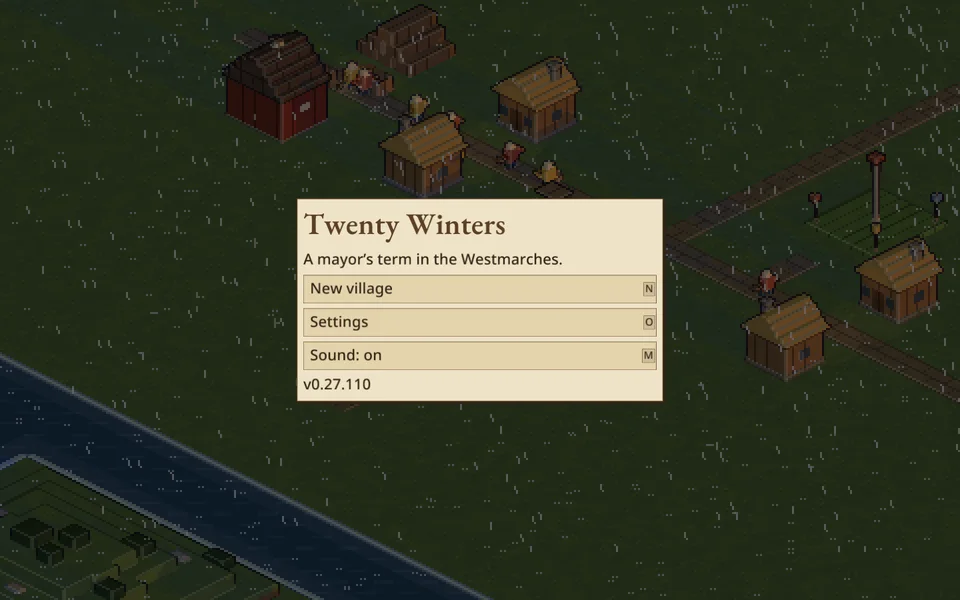
Starting a village
The screen
The bar along the top holds the speed buttons, Next council, Book, Ledger, the How to play button (?) and Menu, then the season and year, the treasury, people, how much food and warmth are covered this season, happiness and house permits. Build sits at the left edge (top left on a phone), and its Close button is at the bottom of the panel; Tasks at the bottom right lists the open petition and the event being prepared. Click any house or building to read about it.
On a phone the bar fits one row: Next council reads Next, the year drops its “/20”, and Ledger and How to play move into Menu. Tap where the desktop clicks; drag to pan, pinch or the + and − buttons to zoom, and the < and > buttons at bottom right turn the view. While placing, Turn left and Turn right stand in for T and Y, and the game’s own guide and hints name these buttons instead of keys.
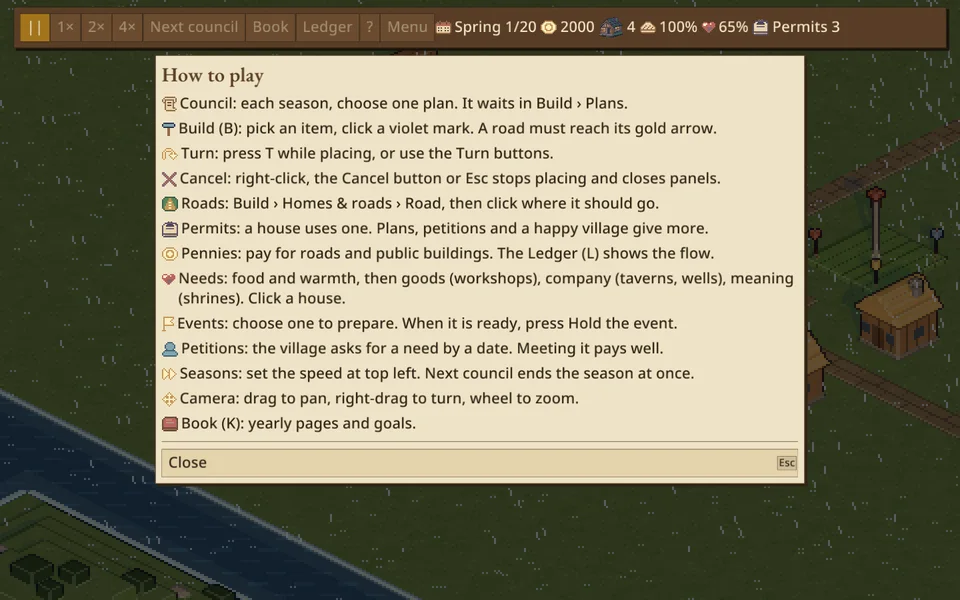
Where to go next
- Gameplay: councils, plans, needs, petitions, events and the yearly review.
- Your first year: one real first year, season by season.
- Codex: every trade, plan, event, goal and rating board, read from the game's data.
- Settings and keys.