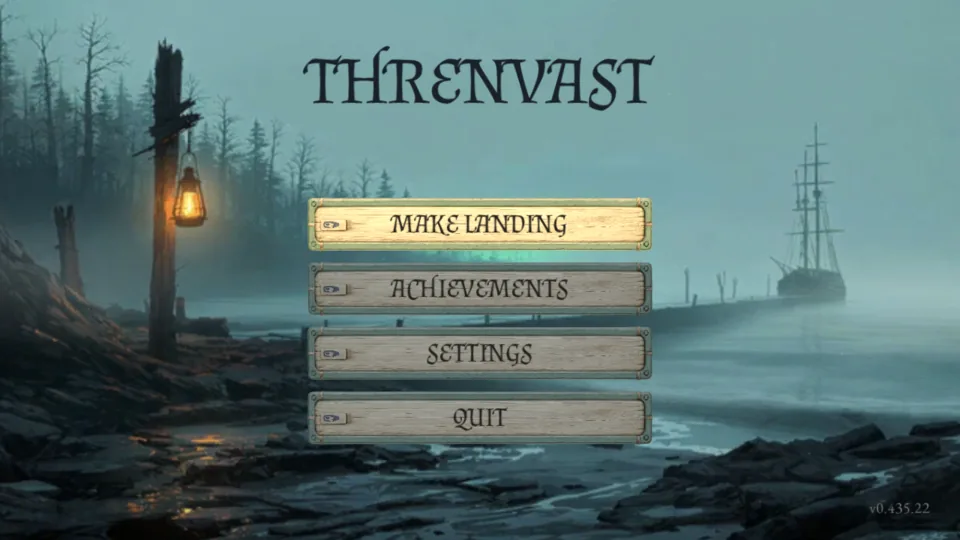
You cross the Fog to Threnvast, a coast the Crown says is not there, and step off the boat at the Hush Trade's one landing. From there the coast is open: twenty zones in three regions, about five hundred quests, camps to clear, places to find and a forge at the far end that never went out. There are twelve levels; the main story alone takes you to about level 10.
 GameplayMoving, fighting, spells and the draft, quests, bags, crafting, the map, carriers and saving.
 SettingsEvery row of the Audio, Display and Controls pages.
 StoryThe whole plot, act by act, side stories included. Spoilers.
From launch to the coast
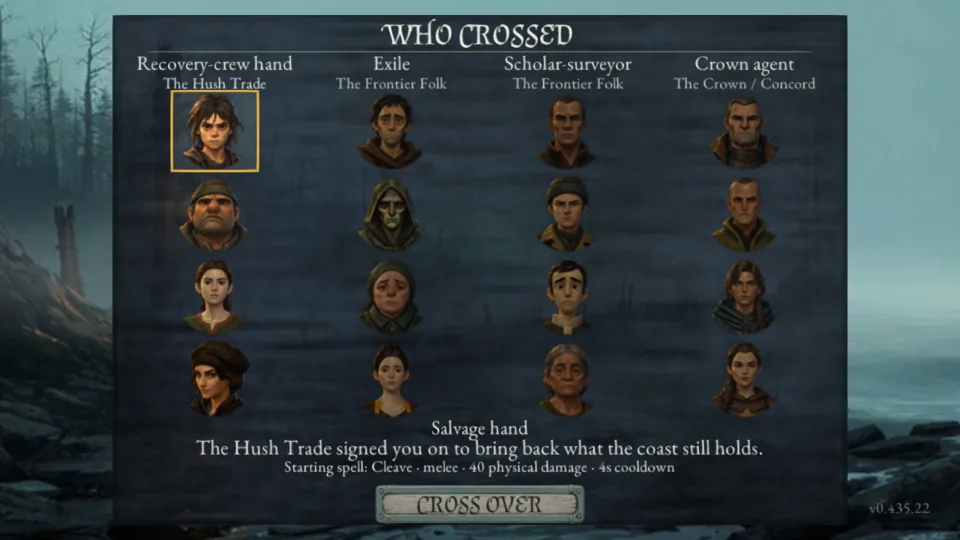
Your first hour
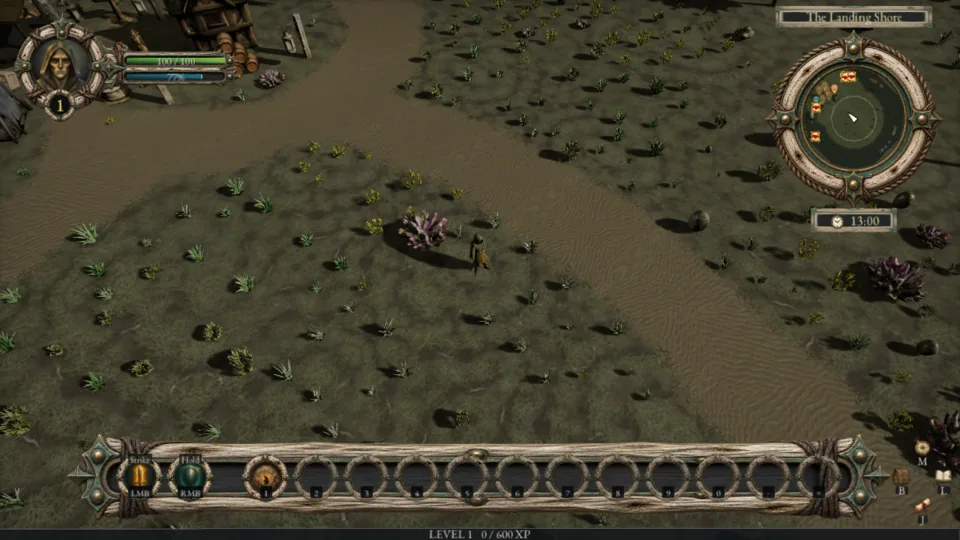
- Talk to everyone at the Port. Walk up to a person and press E, or click them. A ◆ before a name means the main story continues with them; a * means a quest is ready to hand in.
- Open the quest log with J. The main story and the local stories are marked apart. Pin up to three quests to the tracker on screen.
- Walk to find places. Each place you discover is marked on the map (M) and gives 25 XP. Most places have spots to look at up close: stand at one and press E.
- Fight what attacks you. Your attack finds the nearest enemy on its own. Hold Space or the right mouse button to block. Back off and your health comes back after eight quiet seconds.
- Choose a spell at every level. From level 2, each level brings a draft. When the screen says a draft is waiting, press L and pick one card. The choice is permanent.
- Watch the ground's warnings. If a zone is above your level, or the blight lies thick, a line on screen says so. Two exclamation marks mean turn back.
Where to go next
The Quests list follows the road: the zones in the order you reach them, main story first in each. Zones gives each zone's levels, so you can tell whether you are ready for it, and Bestiary tells you what holds it.