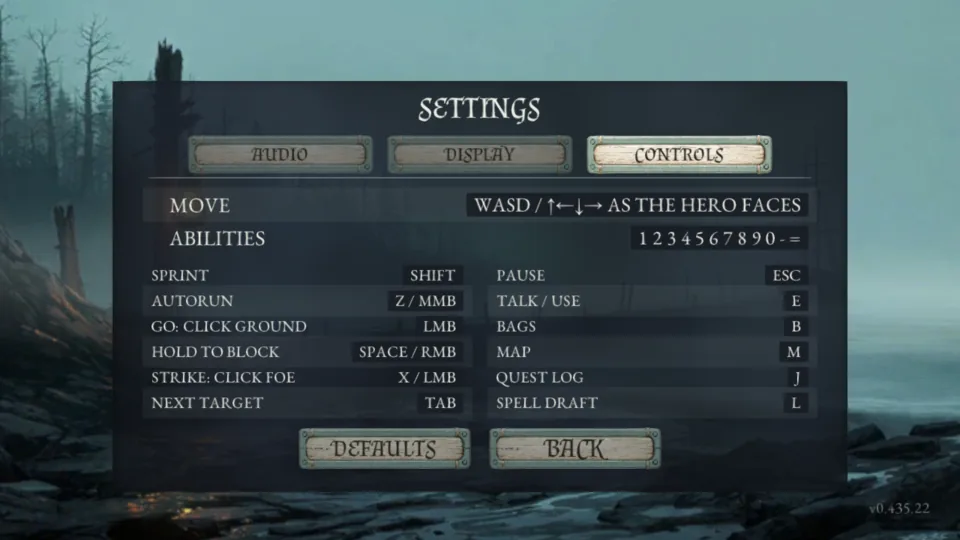
Settings opens from the title screen or from the pause menu. Its three pages, Audio, Display and Controls, are tabs along the top. Defaults at the bottom puts every setting back as the game shipped it; Back leaves. Changes take effect at once and are kept between sessions.
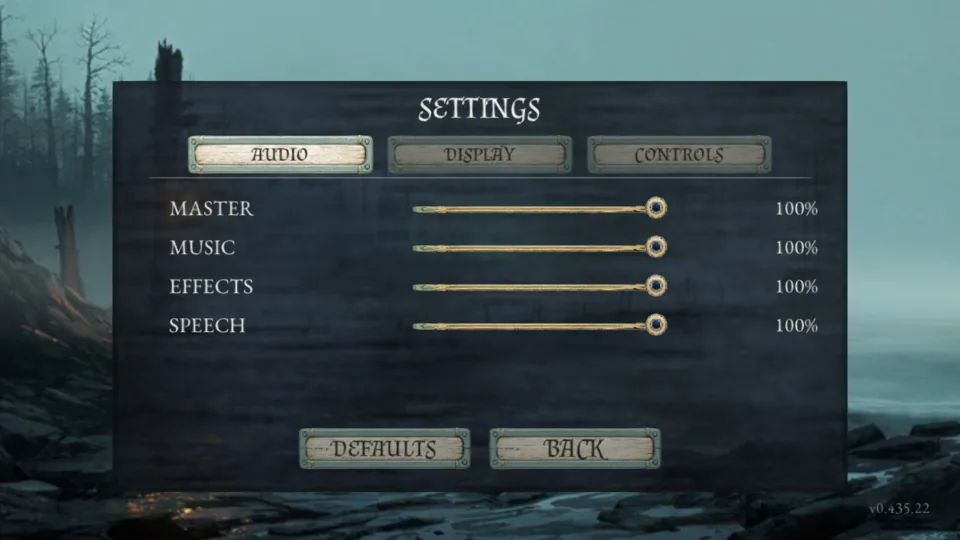
Audio
Four sliders, each at full volume to begin with: Master, Music, Effects and Speech. Speech is the spoken quest lines.
Display
| Row | Choices | Default |
|---|---|---|
| Window | Windowed / Borderless fullscreen / Fullscreen | Windowed |
| Resolution | As launched, 1280 × 720, 1600 × 900, 1920 × 1080, 2560 × 1440, 3840 × 2160 | As launched |
| V-Sync | Off / On | On |
| Frame cap | Uncapped, 30, 60, 120 or 144 FPS | Uncapped |
| Shadows | Low / Medium / High / Ultra | High |
| Anti-aliasing | Low / Medium / High / Ultra | High |
| Pause unfocused | Off / On: freeze the game when its window loses focus | On |
| Lightning | Full / Soft: Soft turns each storm flash into one slow, dim pulse, for players sensitive to flashing light | Full |
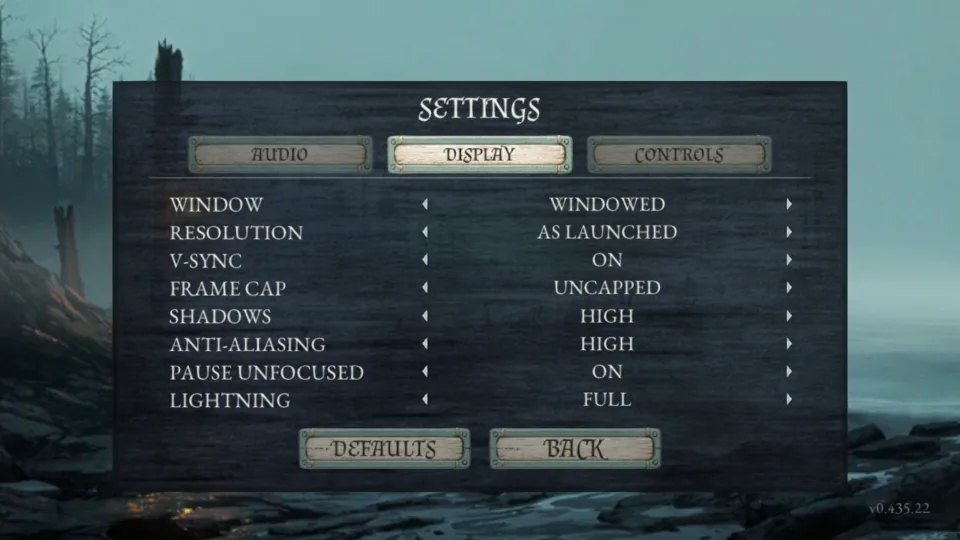
Controls
This page lists the controls; they cannot be changed. It shows the keyboard or the gamepad, whichever you used last. Gameplay has both side by side.