Morass GamesWiki

Trials of Bremarus · Wiki

Start here

The menus, hero choice and the way into a fight.

In development. Trials of Bremarus is in pre-production: one boss, the Proving Warden, is playable with all sixteen heroes. Everything here describes the current build and will change.

Trials of Bremarus is a boss-rush arena game seen over the hero's shoulder. You pick one of sixteen heroes, each with five spells, and face the trial bosses of the Iron Warden one at a time in a round proving ring. A fight is about two minutes; the boss gains a new ability at three quarters, half and a quarter of its health, and every ability is shown on the floor before it lands.

From launch into a fight

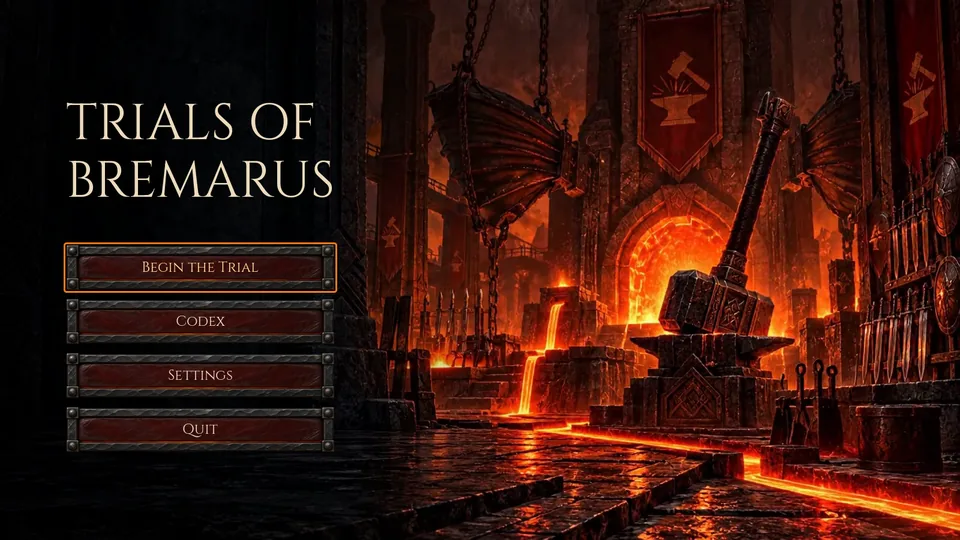
  1. The title screen offers Begin the Trial, Codex, Settings and Quit. Click, or move with the arrows or a pad and confirm.
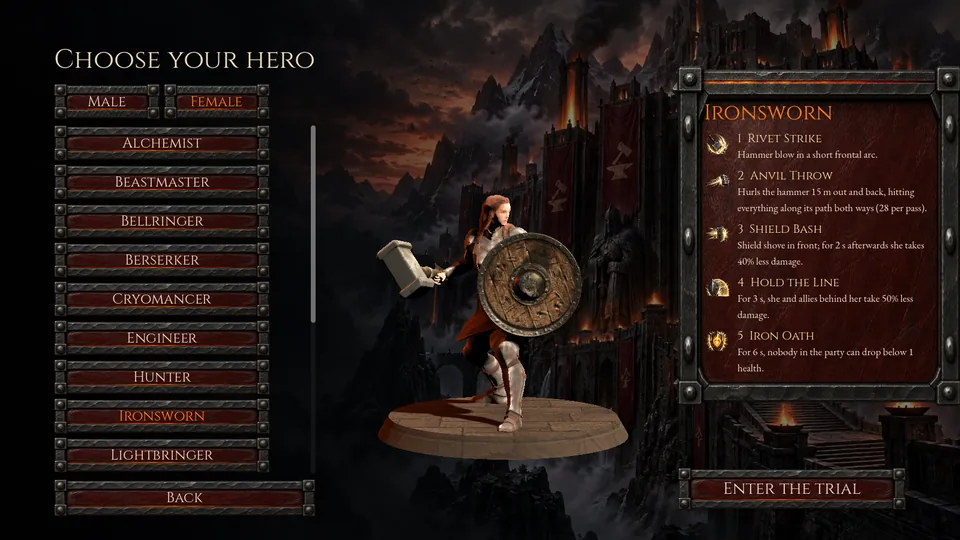
  2. Begin the Trial opens Choose your hero: the sixteen classes on the left, the hero on a lit stage in the middle and the class's five spells on the right. Male and Female at the top change the body; a class whose second body is not finished yet keeps its first one. The body changes only how the hero looks.
  3. Enter the Trial starts the fight against the Proving Warden. The camera holds on the boss for a moment, then the fight begins.
  4. Esc (Start on a pad) pauses: Resume, Restart now, Settings, Controls and Leave the trial. When the fight ends, the same panel shows Victory or Defeated with the time, and offers to fight again.
The title screen: TRIALS OF BREMARUS over a forge hall with a great hammer on an anvil, and the buttons Begin the Trial, Codex, Settings and Quit
The title screen. Its moving backdrop changes each time unless one is picked in Settings.
Choose your hero: the class list, the female Ironsworn with hammer and round shield on a stage, and her five spells
Choose your hero, with the female body selected.

Settings

Settings are under the title screen and the pause menu: master, music and sound-effect volume; what happens when the window loses focus (pause the fight, mute, or keep playing); the menu backdrop; fullscreen; vertical sync; look speed; and inverted vertical look.
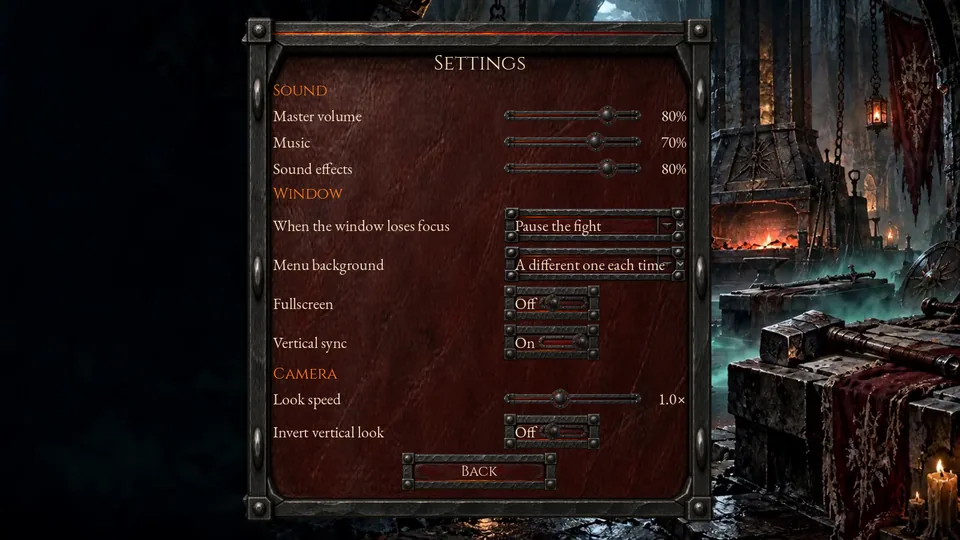
The Settings panel with Sound, Window and Camera rows
Settings.

The Codex

The Codex on the title screen is a practice yard: the chosen hero casts each spell at training dummies, keys 1–5, and C changes the camera. The spell pictures in this wiki's Spells come from it.