Open Options on the main menu. The same settings are reachable from the pause menu during play.
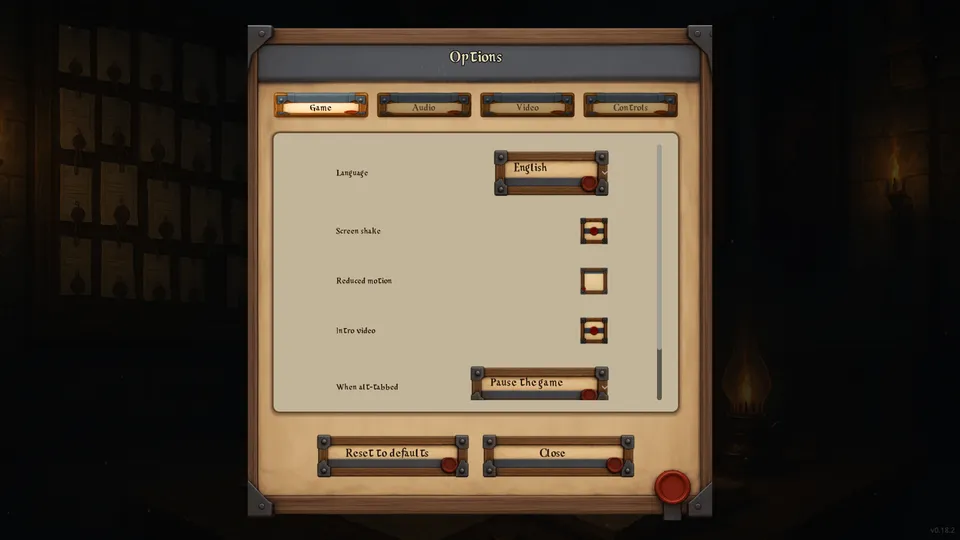
Game
Choose a language; adjust screen shake, reduced motion, intro video, tutorial hints and what happens when you switch away from the game.
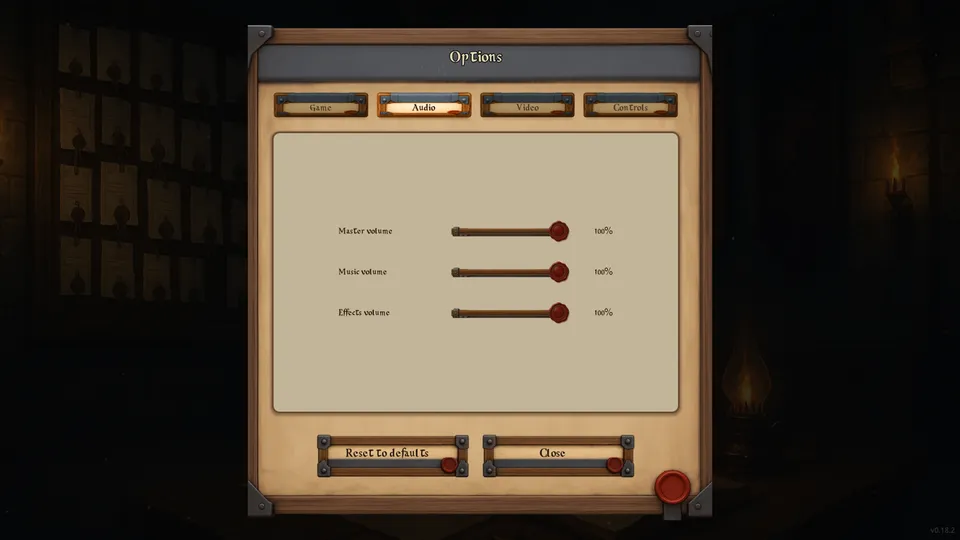
Audio
Set master, music and effects volume separately.
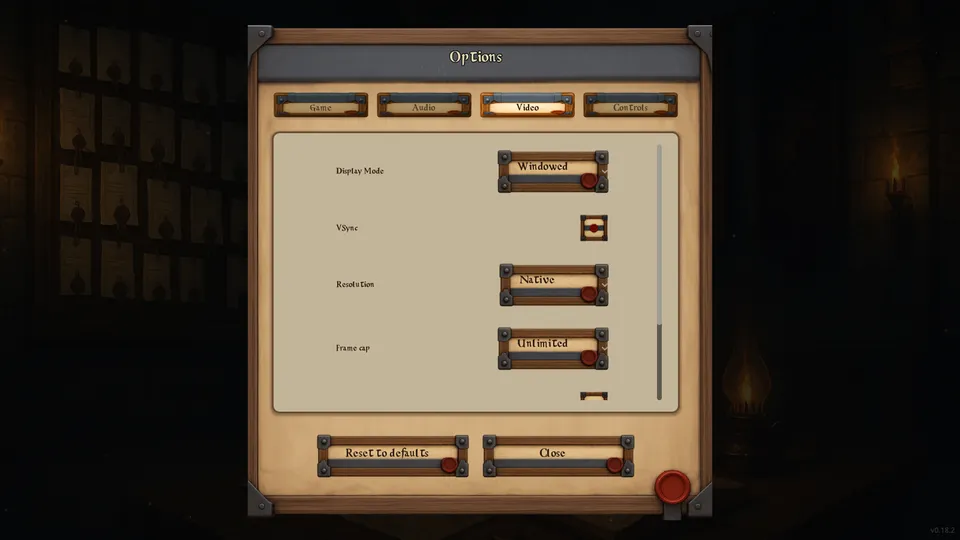
Video
Pick windowed, borderless or fullscreen; adjust VSync, resolution (windowed mode only), frame cap, prop shadows and brightness. For brightness, raise it until the last calibration mark is only just visible.
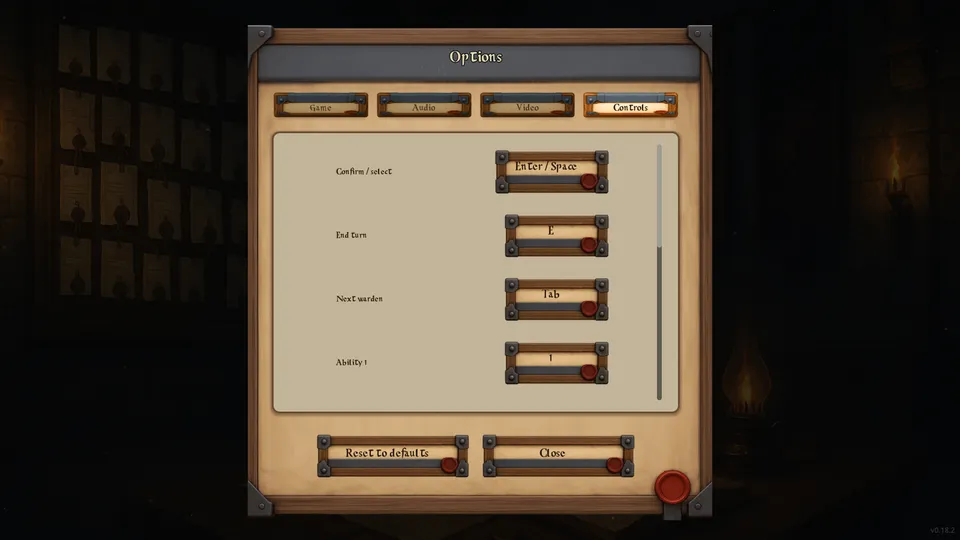
Controls
Choose a row, then press the new key. It saves at once and replaces that row's keyboard keys; gamepad buttons are unchanged. In the current game only Confirm / select and the four Move rows are used; End turn, Next warden and the Ability rows do nothing. Reset keys at the bottom of the tab restores the defaults. Cancel / pause (Esc) is reserved so you can always leave a menu, and menus always accept Enter, Space or the South face button.
Reset to defaults, beside Close at the bottom of Options, restores every setting and key binding except the language. See Gameplay → Controls for the default inputs.