Open Settings from the title screen or from the pause menu. It has four pages, Sound, Display, Game and Controls; turn them with the shoulders (L1 / R1, LB / RB), with Q / E or PgUp / PgDn, or click a tab. Up and down choose a row, left and right change it, and confirm also steps a row on. Back (East, Esc) or the Back button leaves. Changes are kept at once, for every journey on the computer.
Sound
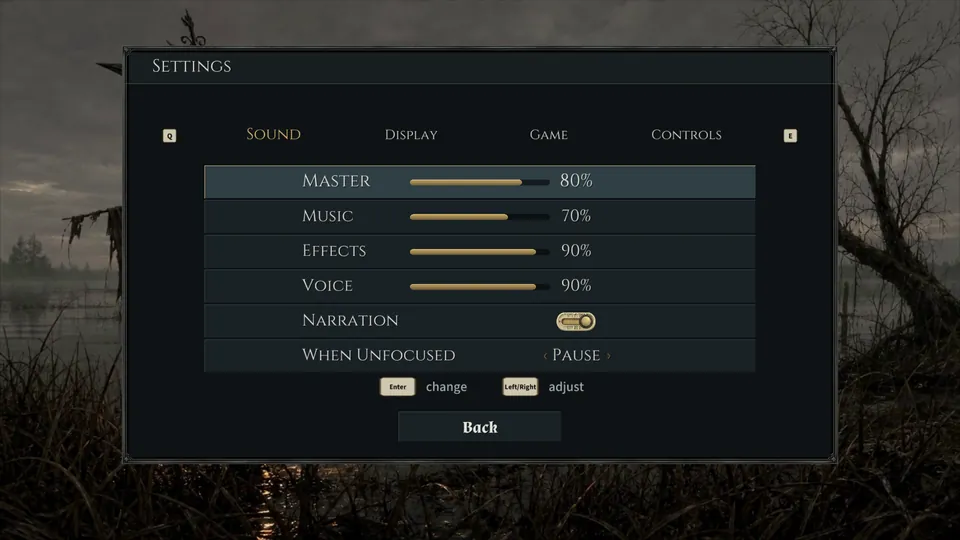
- Master, Music, Effects, Voice
- Sliders from 0 to 100%, ten steps a press. They start at 80, 70, 90 and 90%. Voice is the narrator.
- Narration
- On or off: whether the narrator speaks his lines. Starts on.
- When Unfocused
- What the game does when its window loses focus: Pause, Mute Sound or Keep Playing. Starts on Pause.
Display
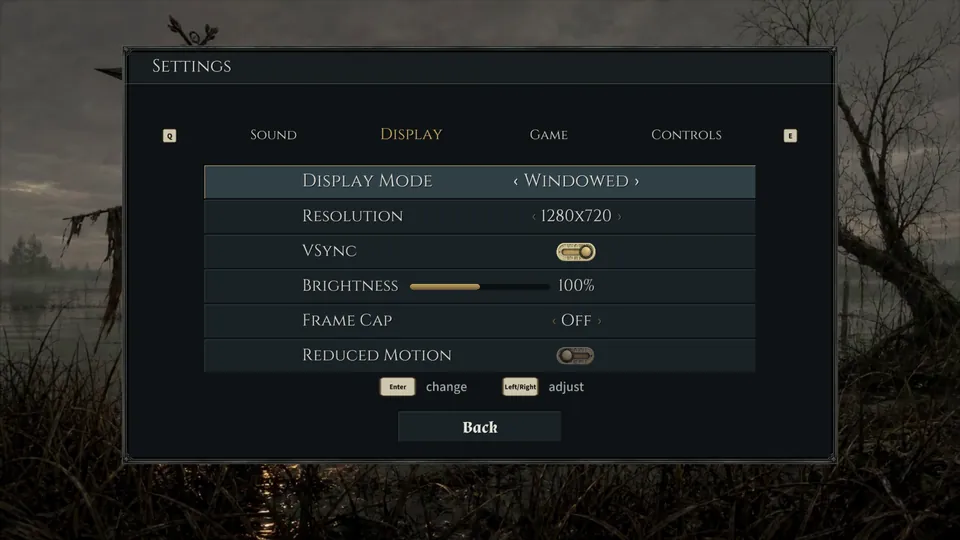
- Display Mode
- Windowed, Borderless or Fullscreen.
- Resolution
- 1280x720, 1600x900, 1920x1080 or 2560x1440.
- VSync
- On or off; it takes effect the next time the game starts.
- Brightness
- A slider from 50 to 150%; starts at 100%.
- Frame Cap
- Off, 30, 60, 120 or 144 fps; starts Off.
- Reduced Motion
- On or off: stops the slow drift of the menu backdrop. Starts off.
Game
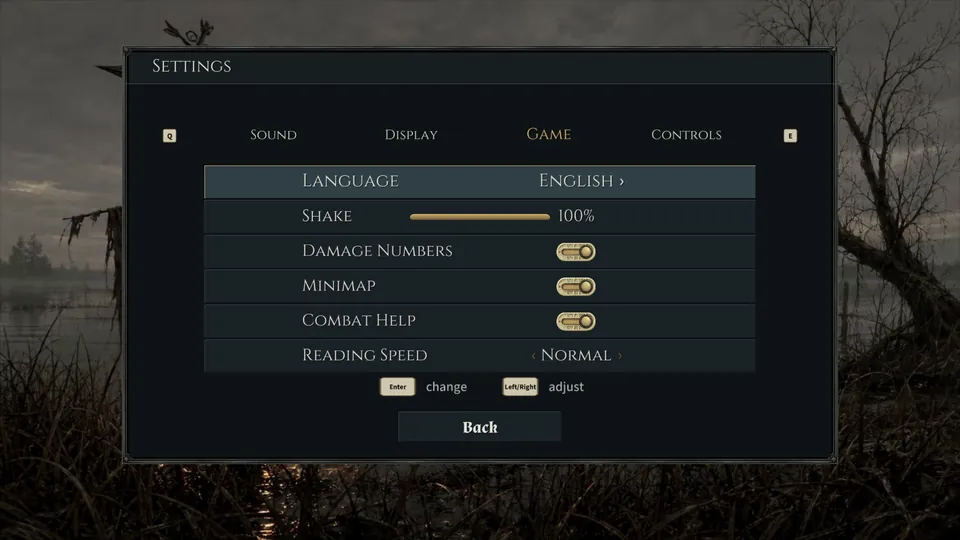
- Language
- Opens the Language list: Čeština, Dansk, Deutsch, English, Español, Suomi, Français, Italiano, 日本語, 한국어, Norsk bokmål, Polski, Português, Slovenčina, Svenska and 简体中文, each in its own words. The choice applies the next time the game starts, and the list says so when you pick another language. English is the game's official language; the other fifteen are unofficial translations.
- Shake
- How much the camera shakes, 0 to 100%; starts at 100%.
- Damage Numbers
- On or off: the figures that float over a hit. Words such as dodge still show. Starts on.
- Minimap
- On or off. Starts on.
- Combat Help
- On or off: the three short lessons of a journey's first fight (attack, blink, your pool). Starts on.
- Reading Speed
- Slow, Normal or Fast: how long the narrator's cards stay on screen. Starts Normal.
Controls
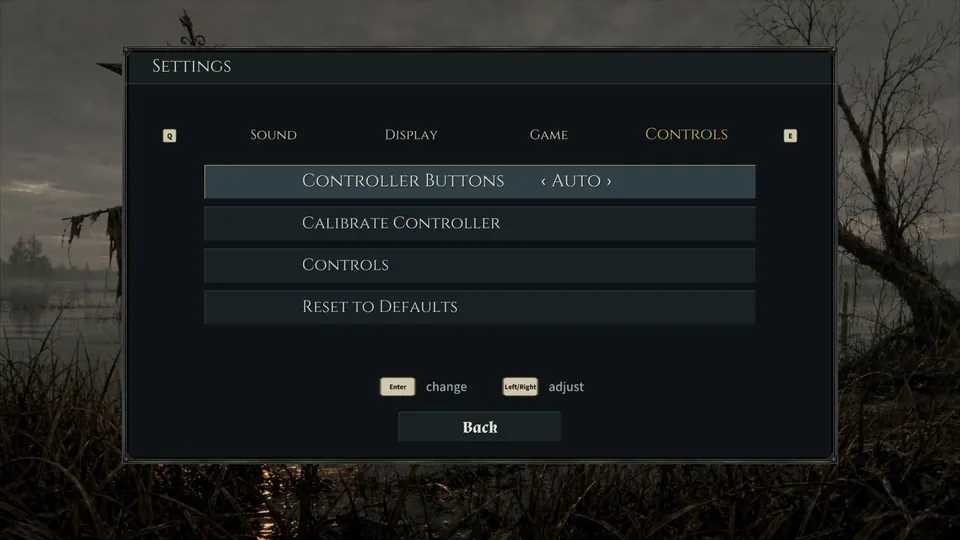
- Controller Buttons
- Auto, PlayStation, Xbox or Nintendo: whose button names the prompts use. Auto goes by the pad it finds.
- Calibrate Controller
- Asks you to press eight buttons in turn and remembers where they are, for a pad that reports its buttons in the wrong order. Any key leaves without saving.
- Controls
- Opens The controls, the list of every binding on a pad and on the keyboard (see Gameplay). Keys cannot be rebound.
- Reset to Defaults
- Puts every setting back as on a first launch, except the language. Your journeys and achievements are untouched.