Open Settings from the title menu; during play, Esc leaves to that menu and the run is autosaved. WS pick a row, AD change it, Esc goes back.
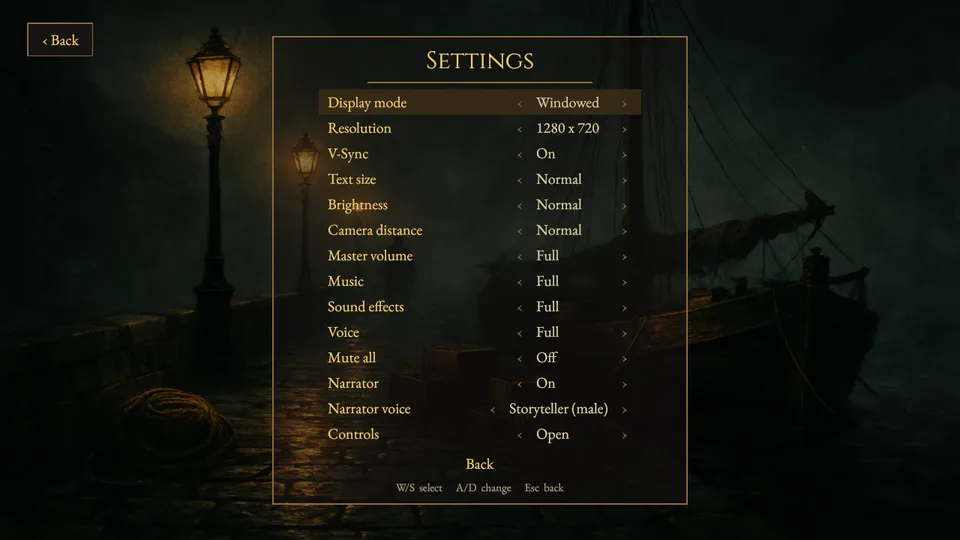
- Display mode
- Windowed, Borderless or Fullscreen.
- Resolution
- The window size, or Desktop.
- V-Sync
- On or Off.
- Text size
- Small, Normal or Large.
- Brightness
- Dim, Normal or Bright.
- Camera distance
- Near, Normal or Far.
- Master volume, Music, Sound effects, Voice
- Off, Low, Medium, High or Full.
- Mute all
- Silences everything at once.
- Narrator
- On or Off: the spoken narration of pickups, examinations and the opening letter. Character voices are set by the Voice row.
- Narrator voice
- Storyteller (male), Reader (female) or Archivist (female).
- Controls
- Opens the How to Play screen with the controls.